TatakoReview
New
Tatako review: a five-minute English routine that puts the parent in charge
Tatako: English for kids brings five-minute first-words lessons to Android phones and tablets. A child hears, touches and names each word, and a parent decides what comes back next. The first lesson is free, and the app carries no ads.
- Android
- PC
- Mac
Tatako has put its first-words lessons into an Android app, and the result is one of the clearest arguments yet for short, shared screen time. Tatako: English for kids, published on Google Play by Tatako, asks for about five minutes and one grown-up on the sofa. In return it gives a child a few new English words at a time, and gives the parent a clear view of which ones have landed.
This review looks at the app as published: its Google Play listing, its lesson design and its screens.
What does a Tatako lesson look like?
Every lesson follows the same three beats, and the order is the smartest thing about it.

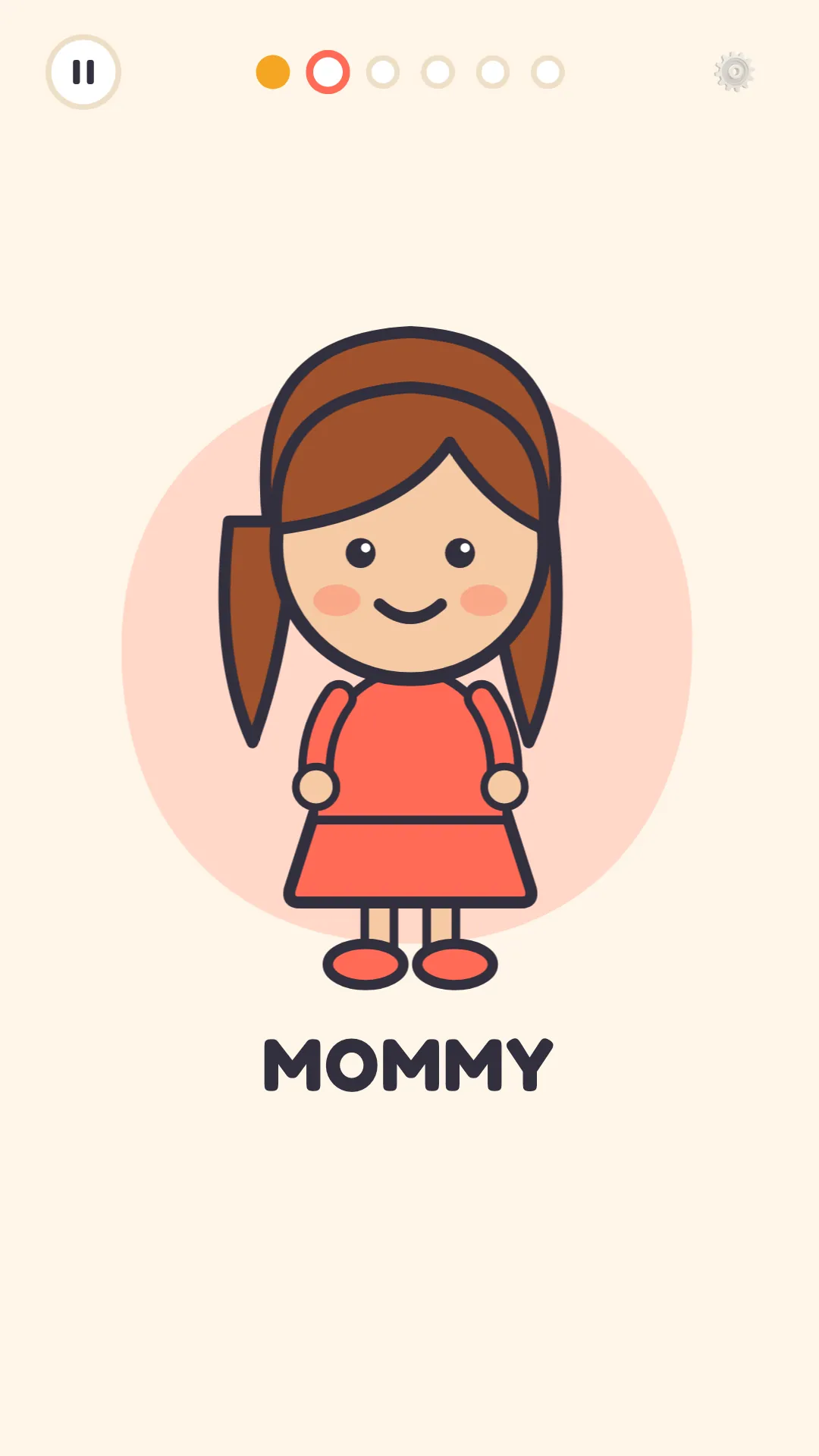
Hear it, say it comes first. Each word plays three times, with a pause after each one so the child can say it out loud. Repetition carries the load here, and the pause turns listening into speaking.
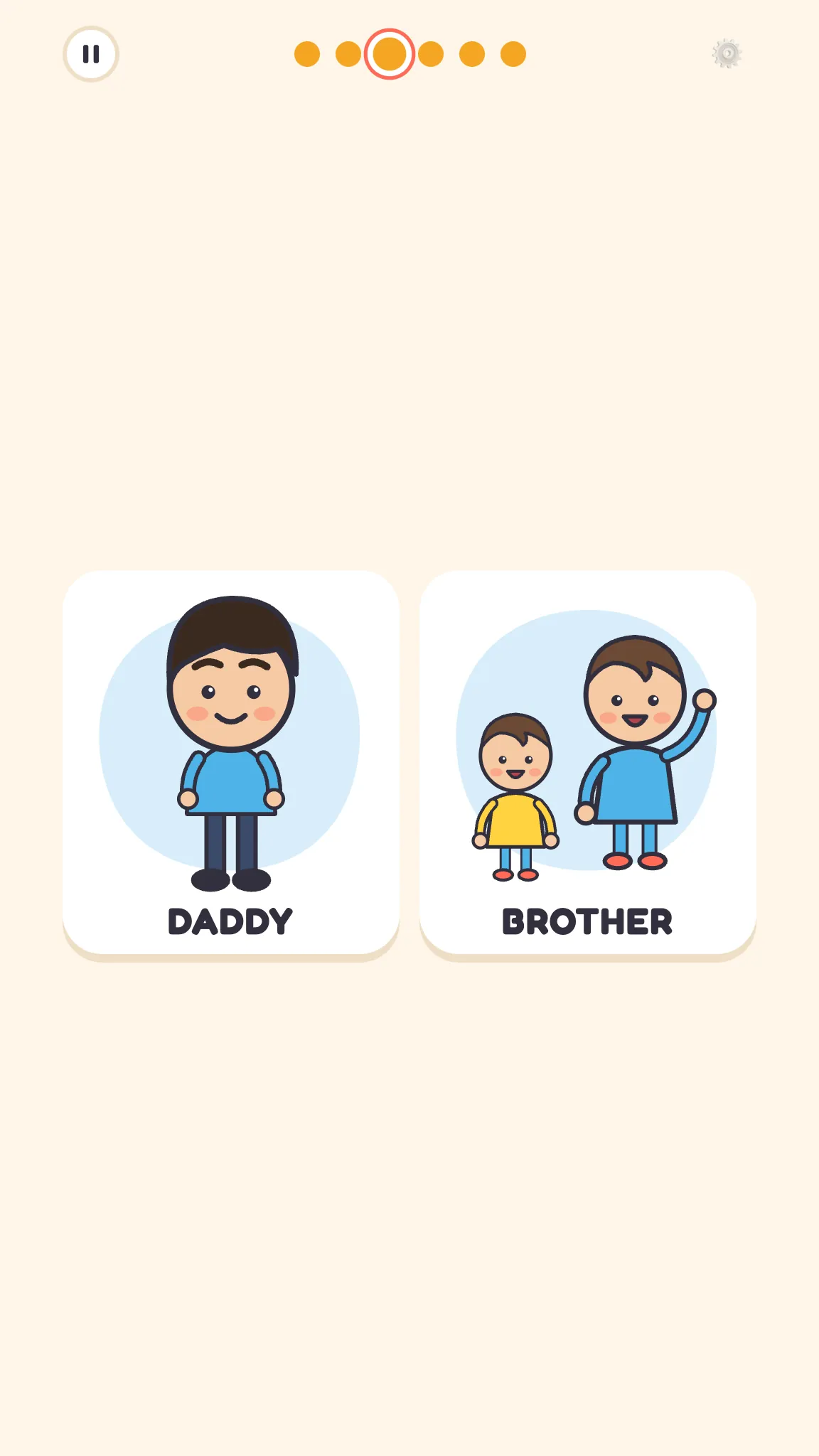
Touch it follows. Two pictures appear, and the child touches the one they hear. It’s a quick check that the sound and the meaning have met.
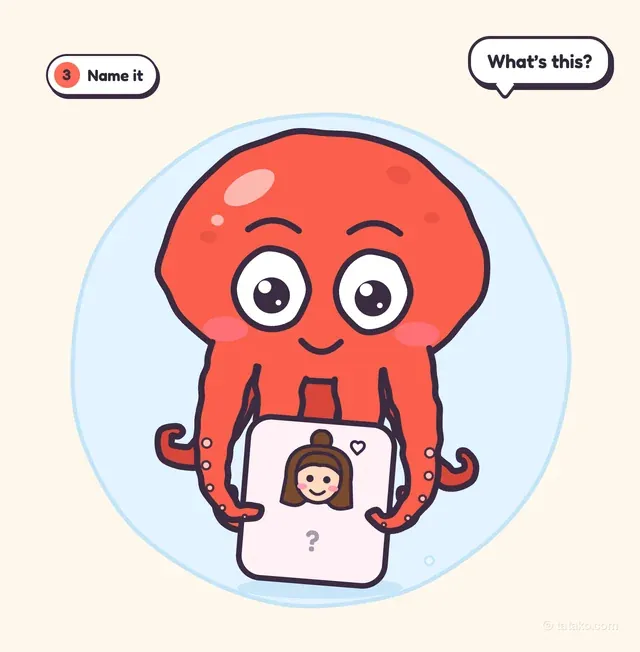
Name it closes the loop. The picture returns without the word, and the child names it first. That last step is where a word moves from recognized to owned.
Tako, the red octopus, guides the lessons. The cards are big, the voice is friendly, and everything runs on taps. There is nothing to type and nothing to read, which keeps the whole lesson on sound and pictures.
Which words does it teach?
The vocabulary starts where family life starts: “hello” and “mommy.” From there it grows into colors, animals and the phrases a teacher uses in class. That last group is a practical choice for a child heading into an English-speaking classroom, where the teacher’s words arrive before anything else.
The child learns English, while the prompts, the menus and every step of guidance are in the family’s own language. A parent never has to decode an instruction before passing it on, so the five minutes go to the words themselves.
Why the parent’s two minutes matter most
The strongest part of Tatako happens after the lesson ends. The parent spends about two minutes marking every word with one of four labels: New, Repeat more, Understands, Can say.
Those labels drive what comes next. Shaky words come back first, new words wait their turn, and the parent chooses how many old and new words go into the next lesson. The app doesn’t guess at progress. It takes the word of the person who just watched the child try.
Over a few weeks that record adds up to something genuinely useful: a running picture of which words the child understands and which ones the child can say. For a family raising a child with two languages, that distinction is the one worth tracking.
It also explains the design choice behind the whole app. Tatako is made for a parent sitting next to the child, which is how a parent and child use it together on the web as well.
How does it handle privacy and screen time?
The answers here are short and reassuring. The app carries no ads. It doesn’t use the microphone: the child says each word out loud for the parent, and nothing is recorded. No account is needed to start a lesson.
Lessons also work without a connection, so a tablet on a long drive or a phone in airplane mode still runs them. For parents who want continuity, an optional sign-in with Google or email carries progress between the Android app and the lessons on the web, on any phone, tablet or computer. The listing carries an Everyone content rating and was updated on Nov. 3, 2026.
What does Tatako cost?
Tatako is free to download, with in-app purchases. Lesson 1 is free, which is enough to see the three-step rhythm and the parent review in action. A subscription through Google Play opens the rest, with a weekly or a yearly plan, and the price shows before you pay.
Grown-ups manage the subscription behind a parent lock, so a curious tap can’t change anything, and it can be canceled anytime in Google Play. Tatako’s own announcement of the English app for kids on Android walks through the launch.
Who is it for?
Tatako fits a family that wants English to become a small daily habit rather than an occasional project. It suits a parent who is happy to sit in on every lesson and keep a record of each word. It covers first spoken words, which makes it a starting point for English rather than a reading course.
For that family, it does its job with real care. The lessons are calm, the logic behind each repeat is visible, and the parent stays in charge of the pace. The place to install it is Tatako: English for kids on Google Play, and a single lesson shows whether the routine fits.
FAQ
Is Tatako free on Android?
Tatako is free to download, and Lesson 1 costs nothing. A weekly or yearly subscription through Google Play opens the rest, and the price shows before you pay.
Does Tatako work offline?
Lessons work without a connection, so a phone or tablet in airplane mode still runs them.
Does the app record my child's voice?
The app doesn’t use the microphone. A child says each word out loud for the parent, and nothing is recorded.
Can progress move between devices?
An optional sign-in with Google or email carries progress between the Android app and the lessons on the web, on any phone, tablet or computer.
Pop quiz
1 questions from this story.
What happens in the Name it step of a Tatako lesson?
In Name it, the picture comes back without the word, and the child names it first.
Your call
When does your family fit in English practice?


